Wiring Chromebook Carts
Important Note: If your Chromebook Cart is already wired with USB-C chargers, you can skip this step! Place the spare Chromebook chargers ontop of the charging cart and we’ll store them accordingly during setup.

|

|
Here are some tips for an effective and sustainable cart assembly:
- Avoid tangled wires by keeping most of the charging cable in the back of the cart.
- Easily manage cables by using existing packaging as cable ties.
- Identify the charging light on the Chromebook and load the device so the light is facing out.
Chromebook Cart Cheat Sheet
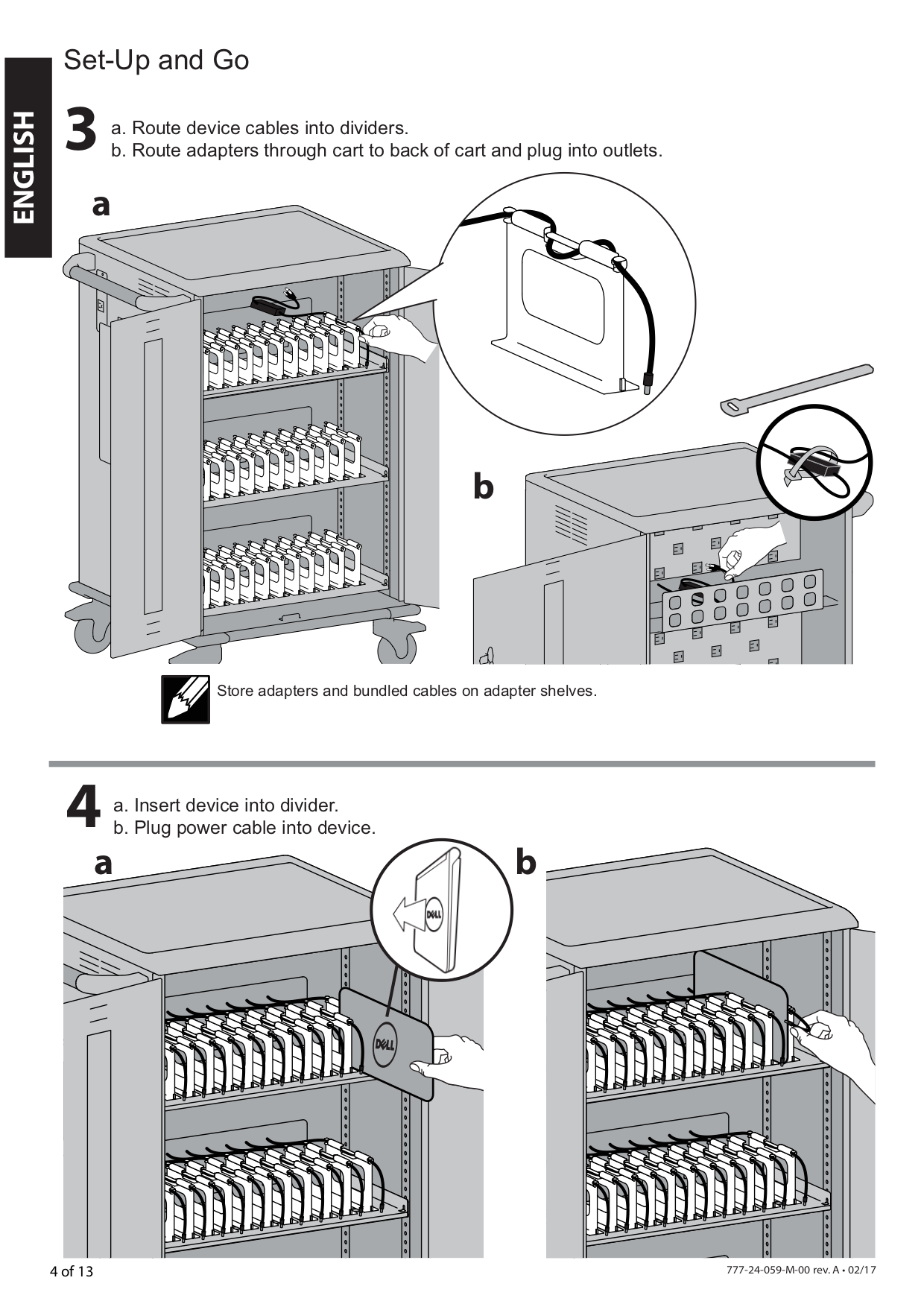
The manufacturer's full reference guide can be found here: cm8.ca/chromebookcart.