How do EAs and Teachers sign into Shared Mode iPads?
Shared Mode iPads are typically used by students and have their grades and names displayed on the front page.
Teachers and EAs can also login using their managed Apple ID and password.
-
Tap the Sign In icon at the bottom left of the login screen.
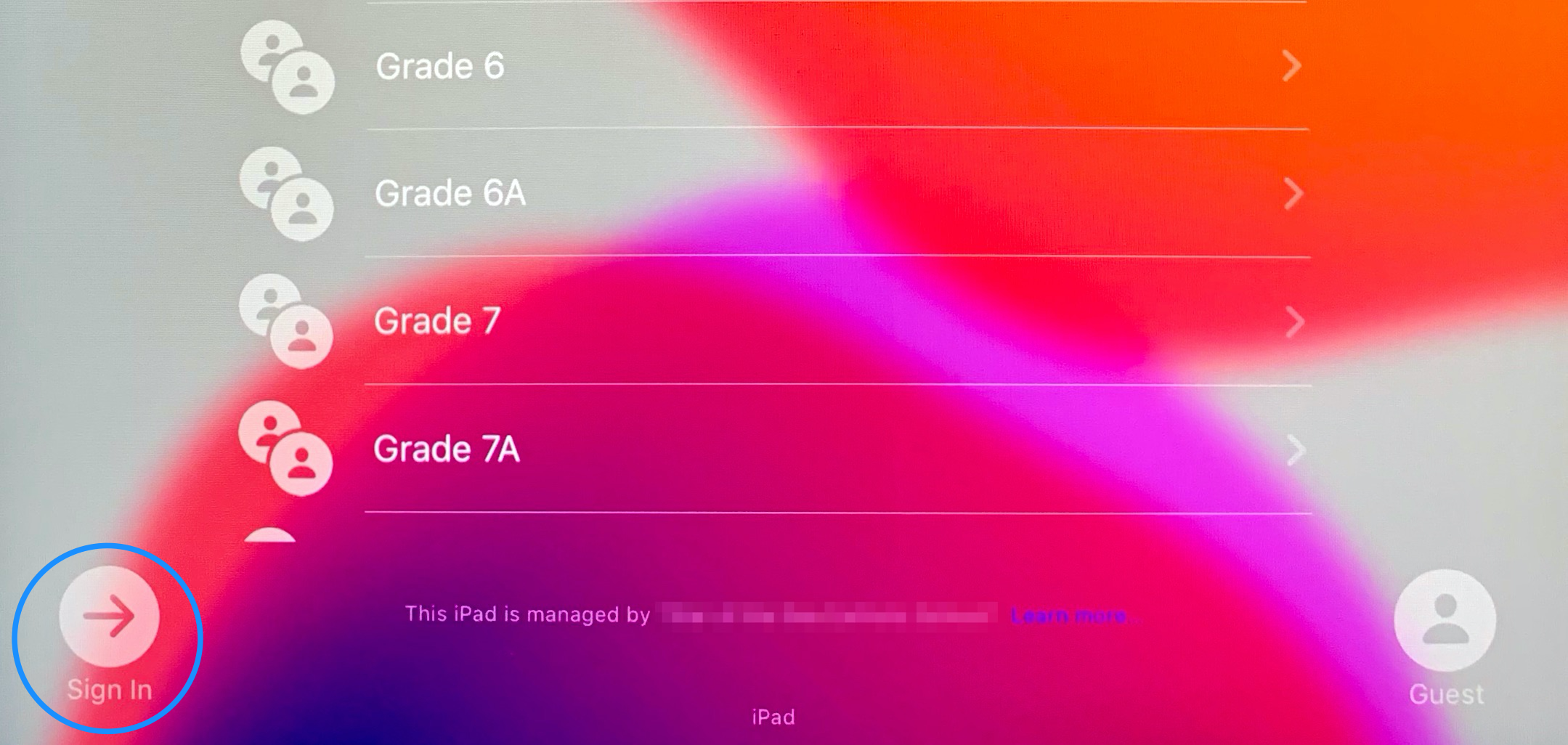
- Sign in using your managed Apple ID and password. If you're not sure what this is, send us a message and we'll let you know!
Guest Mode
You may also notice a 'Guest' user option at the lower-right of the sign-in screen. Signing in as a Guest can be useful for someone that needs to quickly access the web, but may not have an actual school Apple ID to log into.
All of a Guest user's information is deleted upon logging out, so it shouldn't be used by anyone who needs more than temporary access to the device.