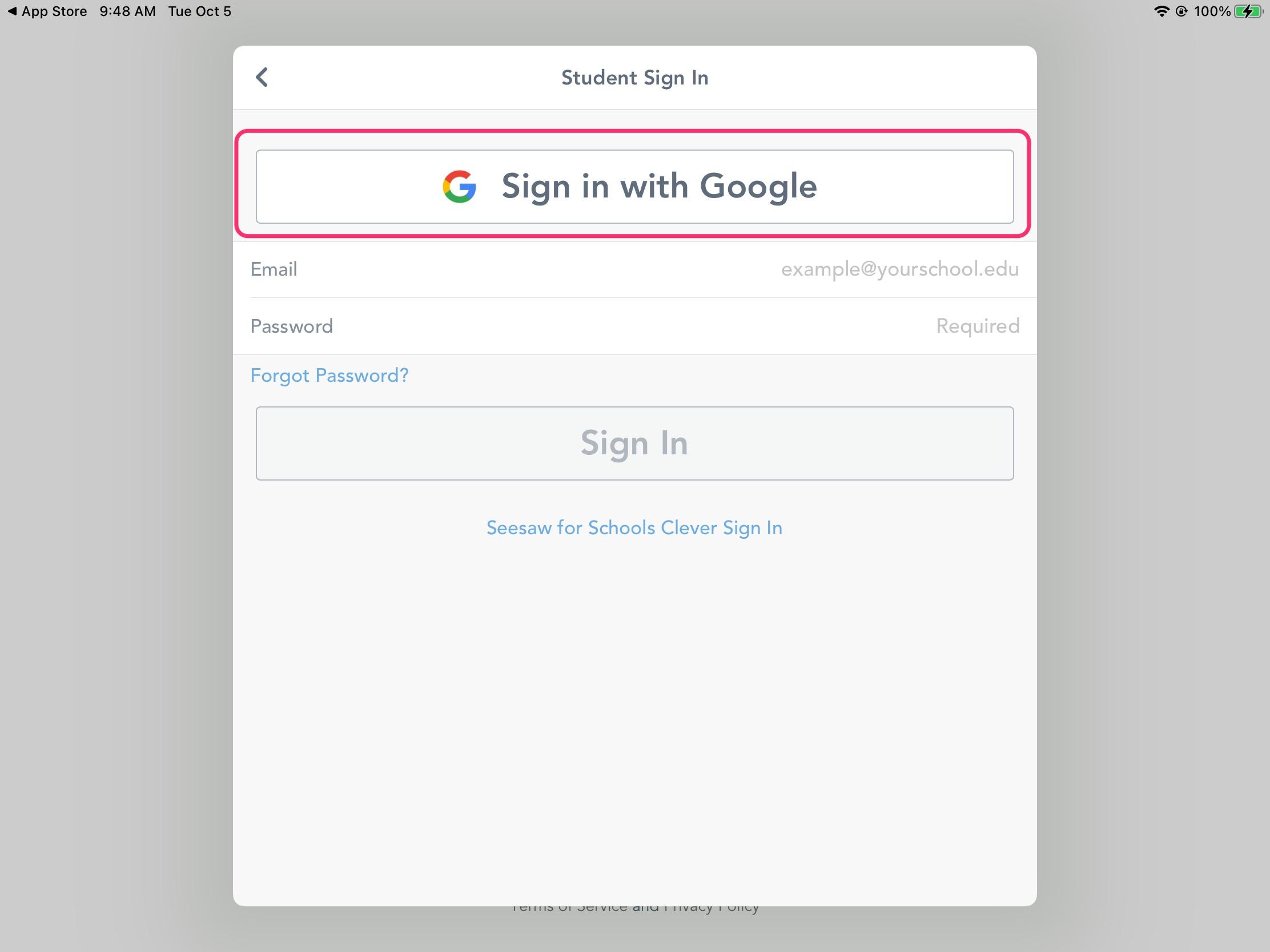
How to Log In to Seesaw for Students using Sign In with Google
Students may need to sign into their Seesaw accounts at home to finish incomplete assignments or if they're doing Remote Learning. Follow these instructions below to sign in on a computer, iPad or Android device.
On a computer
-
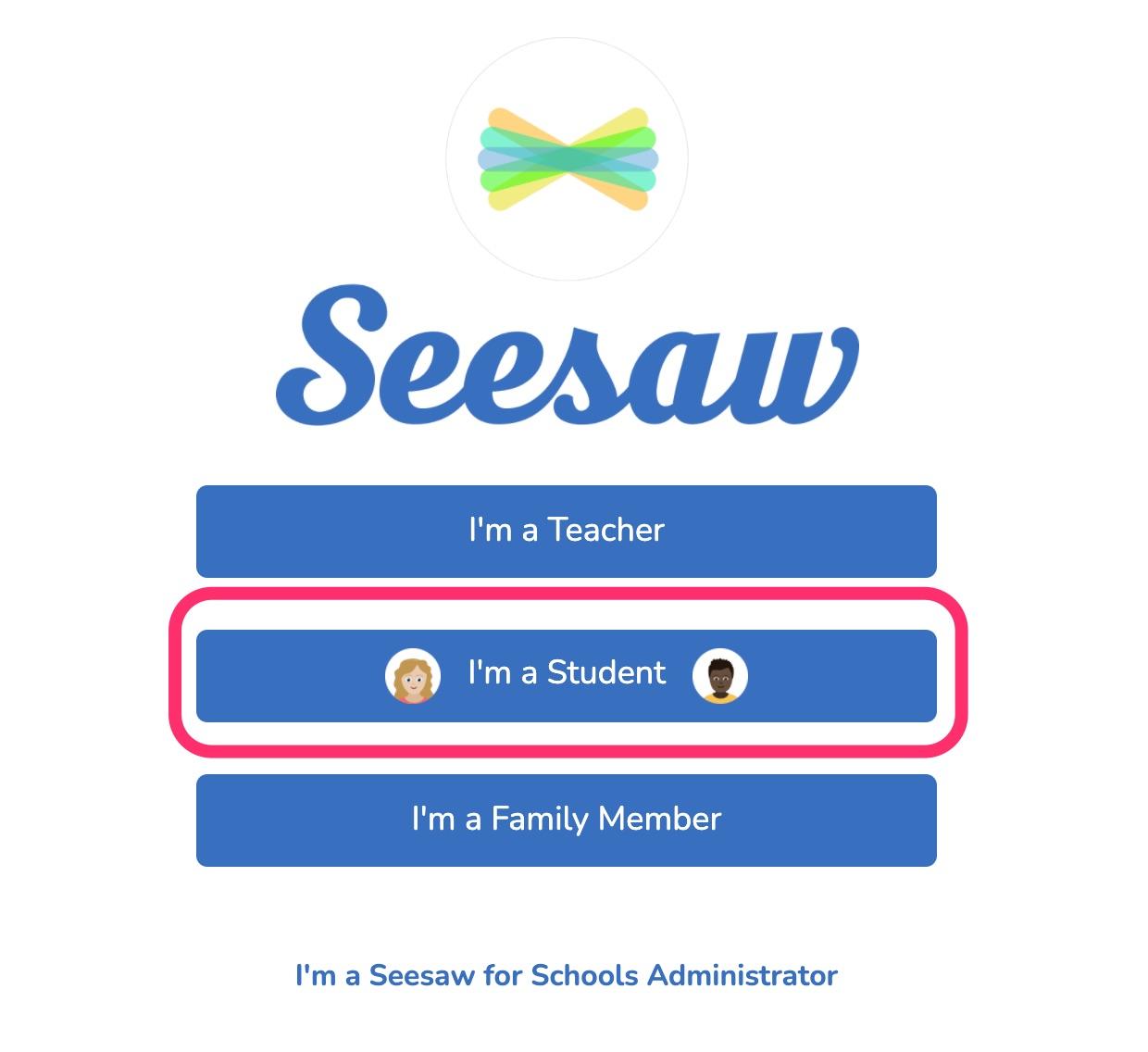
Open your web browser and navigate toapp.seesaw.me and select "I'm a student".
-
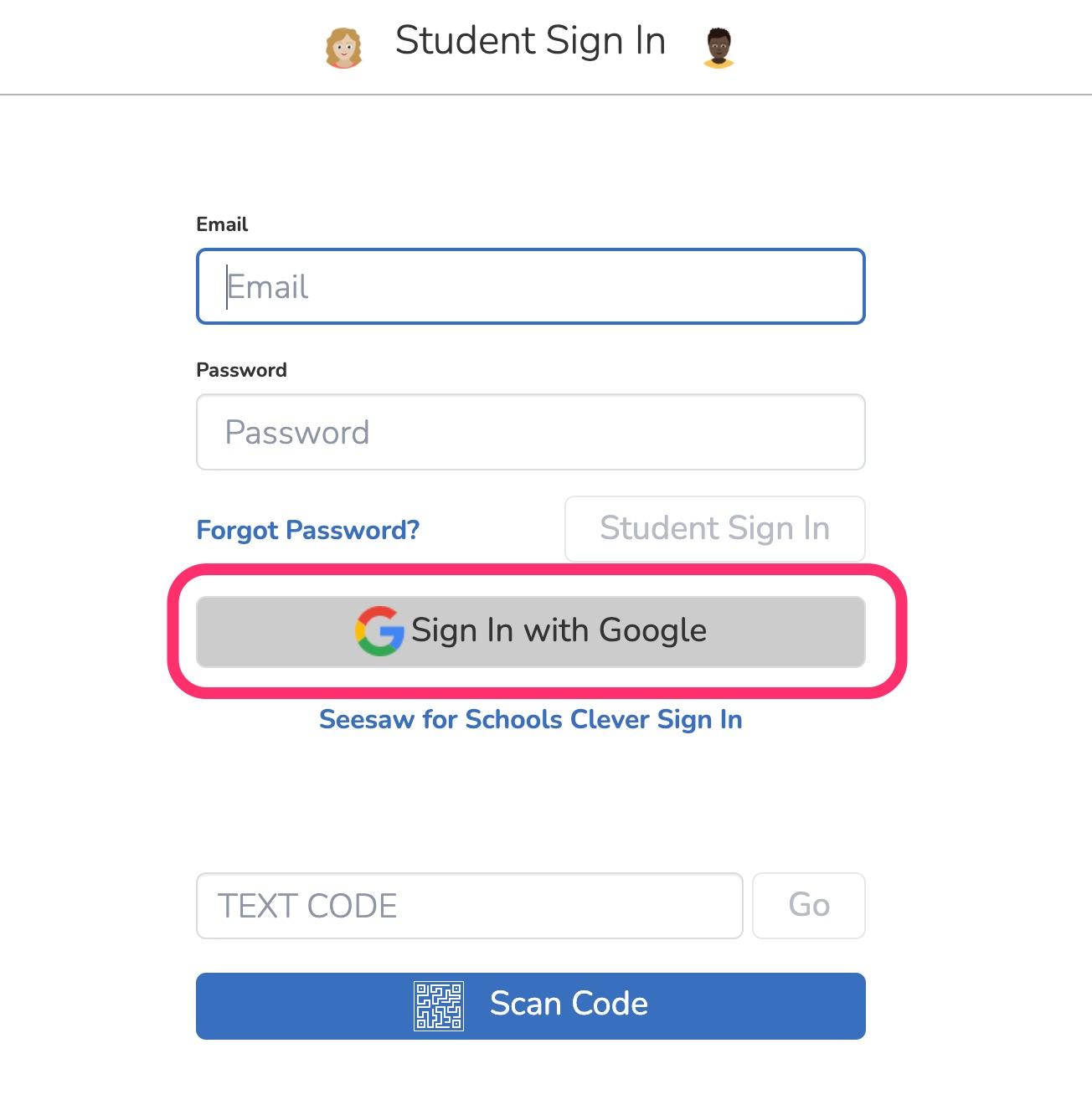
Click "Sign in with Google" and login using your school email and password.
On an iPad/ Android Device
- Download the Seesaw Class app from the Apple App Store or Google Play Store.
- Apple App Store: https://apps.apple.com/ca/app/seesaw-class/id930565184
- Google Play Store: https://play.google.com/store/apps/details?id=seesaw.shadowpuppet.co.classroom&hl=en_CA&gl=US
-
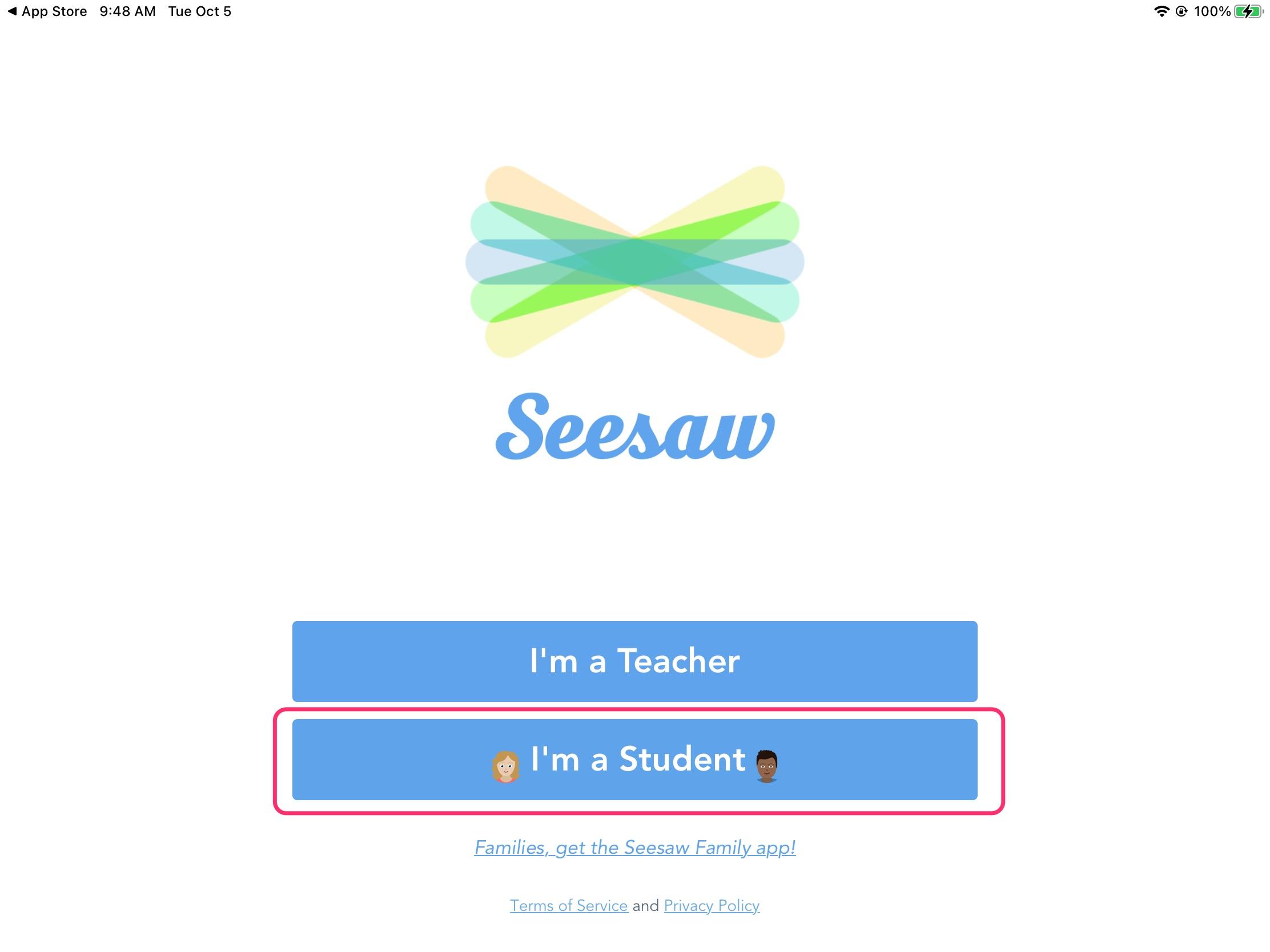
Open the app and tap "I'm a student".
-
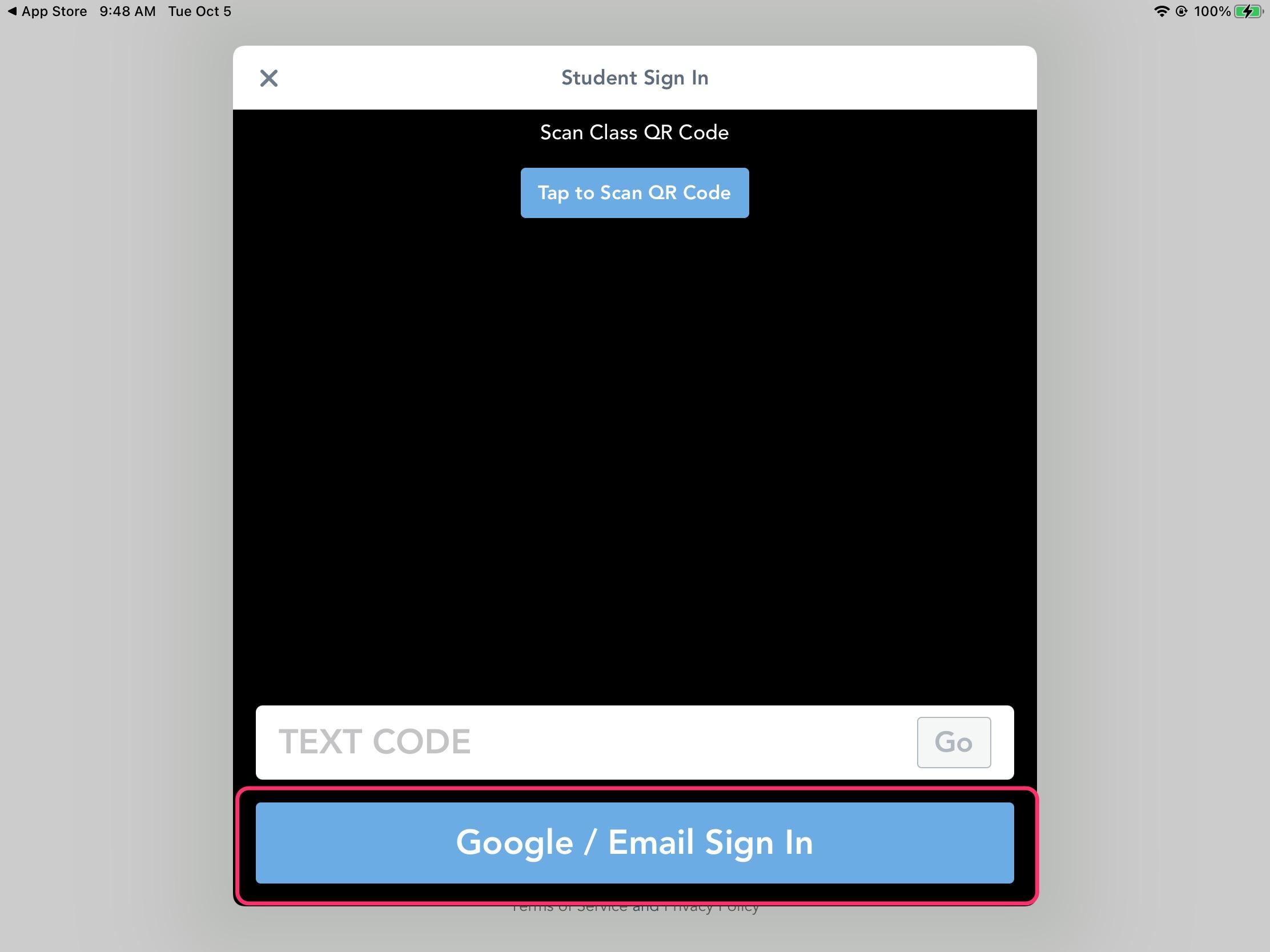
Tap "Google / Email Sign in".
-
Tap "Sign in with Google" and enter your school email and password.